
Start your Sonix IPTV trial below. Enter your email and phone number, then check the channels and the picture quality on your own device before you pay for anything.
A trial is only useful if you test the things that matter to you. The Sonix IPTV trial gives you one day (24 hours) with a real login, so use it to answer these questions:
Compare what you see with the Sonix IPTV channel list, and keep in mind that features such as the programme guide or catch-up can vary by channel and by app.
Fill in the form at the top of this page with your email and phone number.
Your username, password and server details are shown on the page and sent by email. Check spam if you do not see it.
Install an IPTV player on your device and enter the login. The setup tutorial covers each device.
The trial uses the same service as a paid subscription, so it works with the same player apps. Typical choices are smart TVs from Samsung and LG, Fire TV Stick, Android TV, Apple TV, iPhone, iPad, Android phones, Windows, Mac and MAG box. Confirm your exact model before you start, and ask support if you are unsure. For Firestick, follow the Firestick installation guide.
For a smooth stream, a connection of about 20 Mbps is recommended.
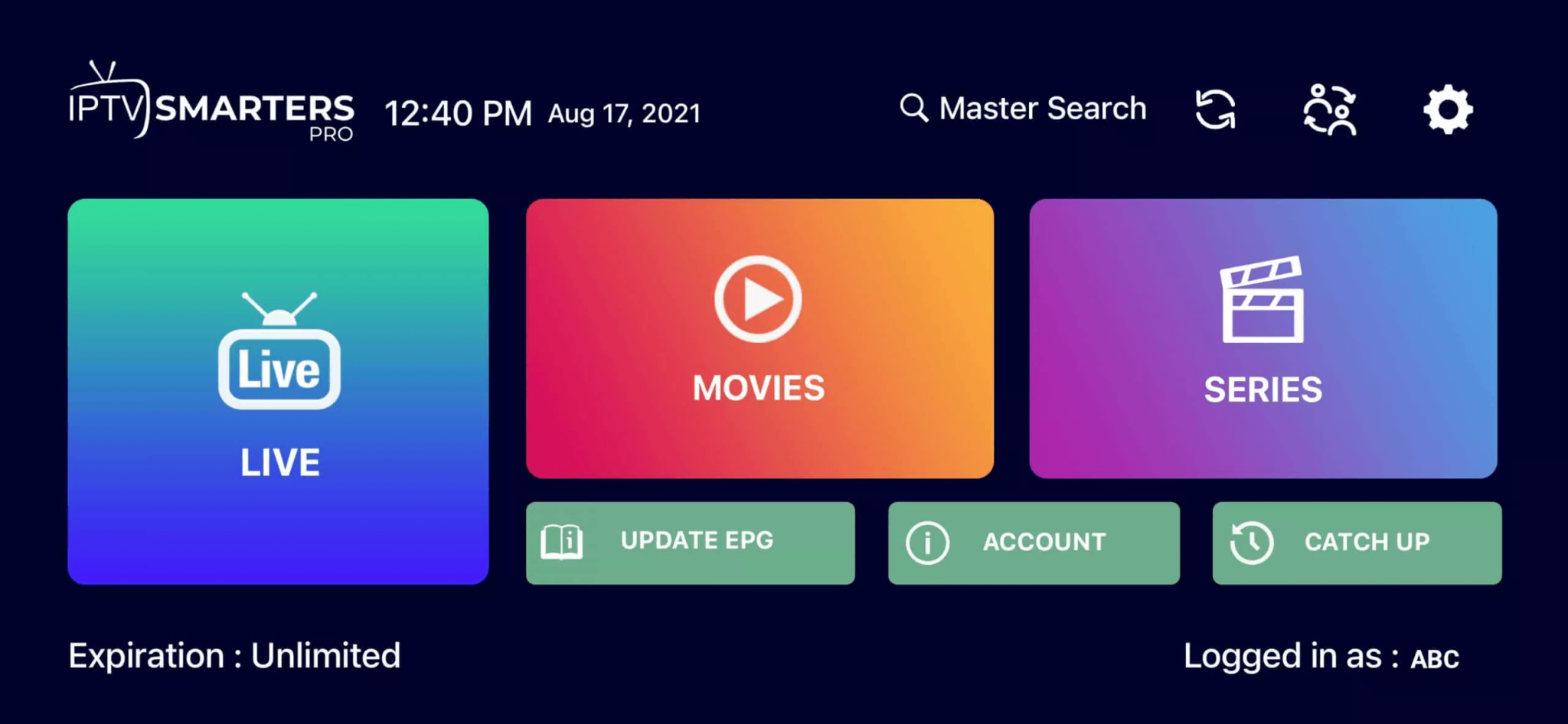
Because the Sonix IPTV trial lasts one day, plan your test before you start the clock. Make a short list of three or four channels you watch every week, and open each one in the player. Try a live sports channel and a film from the on-demand library, since these need the most bandwidth.
Test in the room where you will really watch, not next to the router. If the picture is fine on Wi-Fi in the living room, it will usually work for your daily use. If you see buffering, switch to an Ethernet cable and test again, so you know whether the cause is your network or the stream. Writing down what you see helps you decide which plan fits.
If you like the service, you can choose a plan on the pricing page. Plans start at $14.99 for 1 month on 1 connection, and you can pay by card, crypto or bank transfer. Every plan has a 7-day money-back warranty, explained in the refund policy. For a full overview of what is included, read the Sonix IPTV subscription and service guide, or go back to the Sonix IPTV home page.
Use the form at the top of this page and test the service for 24 hours.